Introduction: Breaking the Stereotype of “Programming is Hard”
Have you ever felt envious seeing someone automate tasks with just a few lines of code or create a small tool that solves a big problem? You might have thought, “Learning to code means memorizing syntax, debugging, and dealing with algorithms,” and then backed off.
Don’t worry, times have changed.
If you can’t code but still want to create software that runs, works, and even helps you earn money, congratulations! You’ve touched upon the hottest and most accessible tech trend today: AI programming, or what we call “Vibe Coding.”
This isn’t some esoteric technology only computer science PhDs can master; it’s a grassroots revolution that transforms traditional development methods. Today, I’ll share my experience as a complete novice, someone who couldn’t even type Hello World, and how I became a “wild developer” in just one week using Vibe Coding and the powerful tool AiPy. This is packed with practical insights, so save it for later!
What is Vibe Coding?
The term “Vibe” refers to atmosphere, feeling, intuition, or aura. Vibe Coding translates to “atmospheric programming” or “intuitive programming.” It may sound mysterious, but it’s quite down-to-earth.
What is traditional programming like? You first have to decide whether to learn Python or Java, understand variables, loops, functions, and object-oriented programming. You write code line by line in an IDE, and a missing semicolon or incorrect indentation can lead to endless errors. This is typical “engineer thinking”—rigorous and precise but with a high barrier that deters 99% of ordinary people.
Vibe Coding, on the other hand, flips this approach. It doesn’t require you to know syntax or memorize logic; it just asks that you “have a feeling.” You simply tell the AI in plain language, “I want a tool that can automatically organize messy data in Excel into visual charts,” or “help me create a webpage that allows photo uploads with a vintage film filter.” The rest is up to the AI.
You are like a movie director, and the AI is your versatile crew. You provide the ideas, direction, and aesthetics (that’s the Vibe), while the AI builds the structure and runs the code (that’s the Coding). You don’t need to know how to mix cement or weld rebar; you just need to know what the building looks like and whether it’s comfortable to live in. This is the core logic of Vibe Coding: driving code generation with natural language and replacing machine syntax with human intuition. It transforms programming from a technical task into an expressive one.
How Can Vibe Coding Help Our Lives and Work?
Many might ask, “I’m not a programmer and don’t work in IT; why should I learn this?”
In reality, the value of Vibe Coding has already seeped beyond the tech circle, permeating various aspects of our lives and work. It’s not about taking away programmers’ jobs but about giving ordinary people a “digital Swiss Army knife.”
1. Workplace
Spending two hours daily copying and pasting data and checking spreadsheets? Write an automation script with Vibe Coding to finish it in three minutes, and even schedule it to run regularly. HR professionals sifting through hundreds of resumes daily? Create an intelligent filter to automatically score and highlight keywords. It doesn’t replace your job; it frees you from low-value repetitive tasks, allowing you to focus on areas that require creativity, communication, and decision-making. Your boss will surely appreciate it.
2. Side Hustles
With the rise of self-media, independent development, and paid knowledge, many people get stuck at the “great idea but no technical skills” stage. With Vibe Coding, you can quickly turn your ideas into interactive products. Whether it’s a WeChat mini-program, a web tool, or even a simple desktop app, the barriers are completely broken down. Technology is no longer a moat; creativity is.
3. Thinking
The essence of programming has never been just typing; it’s about “decomposing problems.” Vibe Coding forces you to translate vague needs into clear, AI-understandable instructions. This process greatly enhances your logical thinking and structured expression skills. You’ll be surprised to find that not only does software development speed up, but even writing year-end summaries, project reports, and communicating requirements with clients becomes clearer and more focused.
Vibe Coding is Simple: Just a Vague Idea and the Right AI
Don’t let the word “programming” intimidate you. The entry barrier for Vibe Coding is astonishingly low, almost counterintuitive.
You don’t need to buy hefty books like “Python for Beginners” or enroll in expensive offline training courses. You only need two things:
-
A vague idea. For instance, “I want to create a webpage to track my daily water intake” or “I want to automatically categorize photos on my phone by shooting date.” Even if your idea is just three sentences long or sounds unrealistic, that’s fine. AI excels at turning the “unrealistic” into the “feasible.”
-
An appropriate AI tool. Today’s AI models can understand “human language” and grasp “subtext.” You don’t need to learn complex prompt engineering; just describe your needs as you would to a friend or colleague, and the AI will automatically complete the logic, generate code, and even help debug errors.
Once you have a theme and a rough idea, the AI can generate code in bulk and in a short time. What would take a junior programmer a week to write can now be produced by AI in just a few minutes. You only need to answer multiple-choice and judgment questions: Is this feature correct? Is this button placement good? Is the color too bright? The iteration speed increases exponentially, allowing you to test ten times a day, far surpassing traditional development.
AiPy: Not Just Generation, But Improvement and Execution
There are many AI programming tools on the market, but many are “half-finished”: they provide code but fail to set up the environment, install dependencies, or run without errors, leaving novices frustrated.
However, AiPy truly achieves a perfect closure of the “last mile.”
What impressed me most about AiPy is that it’s not just a “code generator”; it’s a “full-stack development assistant + cloud execution platform.” You input your requirements, and it generates code. If you find something wrong, just say, “Change the background to Morandi blue,” “Add a PDF export feature,” or “This logic seems reversed,” and it understands and modifies it instantly. The best part is that it has a ready-to-use running environment; you click “Run,” and the code executes directly in the cloud or locally, allowing real-time previews of results—what you see is what you get.
What does this mean? It means you can skip the steps of “configuring the development environment, installing Python, and setting path variables.” For a complete novice, this is a lifesaver. You don’t need to understand terminal commands or worry about dependency conflicts; AiPy paves the way for you, allowing you to focus on moving forward and unleashing your creativity.
Personal Experience: A Week of Transformation from a Liberal Arts Student
Having discussed the theory, let’s get to the real experience. I come from a pure liberal arts background, having studied Chinese Language and Literature in college. Seeing for i in range(10) makes me dizzy, and I couldn’t even understand Excel’s VLOOKUP function. However, to expand my skillset and avoid being left behind in the AI era, I decided to give AiPy’s Vibe Coding a try for a week. The result? It was surprisingly enjoyable!
Day 1: Resume Generator—“I Can Create Usable Tools”
On the first day, I attempted to create a “resume generator.” The requirement was simple: input name, education, and work experience to automatically generate a well-formatted PDF resume. I entered in AiPy: “Help me create a web form that generates a PDF resume after filling in the information, with a business style and using the Microsoft YaHei font.”
In less than two minutes, AiPy produced complete front-end and back-end code. I clicked run, and the interface appeared! Although the submit button looked a bit ugly at first, I simply said, “Change the submit button to dark blue, add rounded corners, and make it light blue on hover.” It changed instantly. The PDF export feature worked perfectly. At that moment, I stared at the screen, my palms sweating—not from exhaustion, but excitement. A person who didn’t understand code had actually created a tool that solved a real problem! The sense of accomplishment was more satisfying than finishing an article.
Day 3: Image Filter Tool—“Turning Hobbies into Productivity”
As a photography enthusiast, I usually edit photos manually, which is very inefficient. On the third day, I had a sudden idea: “Can I create a tool to batch apply filters?”
I described in AiPy: “Upload multiple images, apply a vintage film filter with one click, support downloading original images, and ideally allow intensity adjustment.” The AI quickly provided code based on Python and OpenCV. After running tests, I found the filter intensity was a bit too strong, and the photos appeared dark. I said, “Lower the contrast, add a bit of grain, and shift the overall tone towards warm colors.” The AI adjusted the parameters and ran it again. Perfect! Previously, it took five minutes to edit one photo; now, I could process 100 images in just ten seconds. I shared this tool with my photography group, and my friends immediately asked for the link, with some even questioning whether I secretly enrolled in a programming class.

Day 5: Resume Filter Tool—“Saving My HR Friend Half a Day”
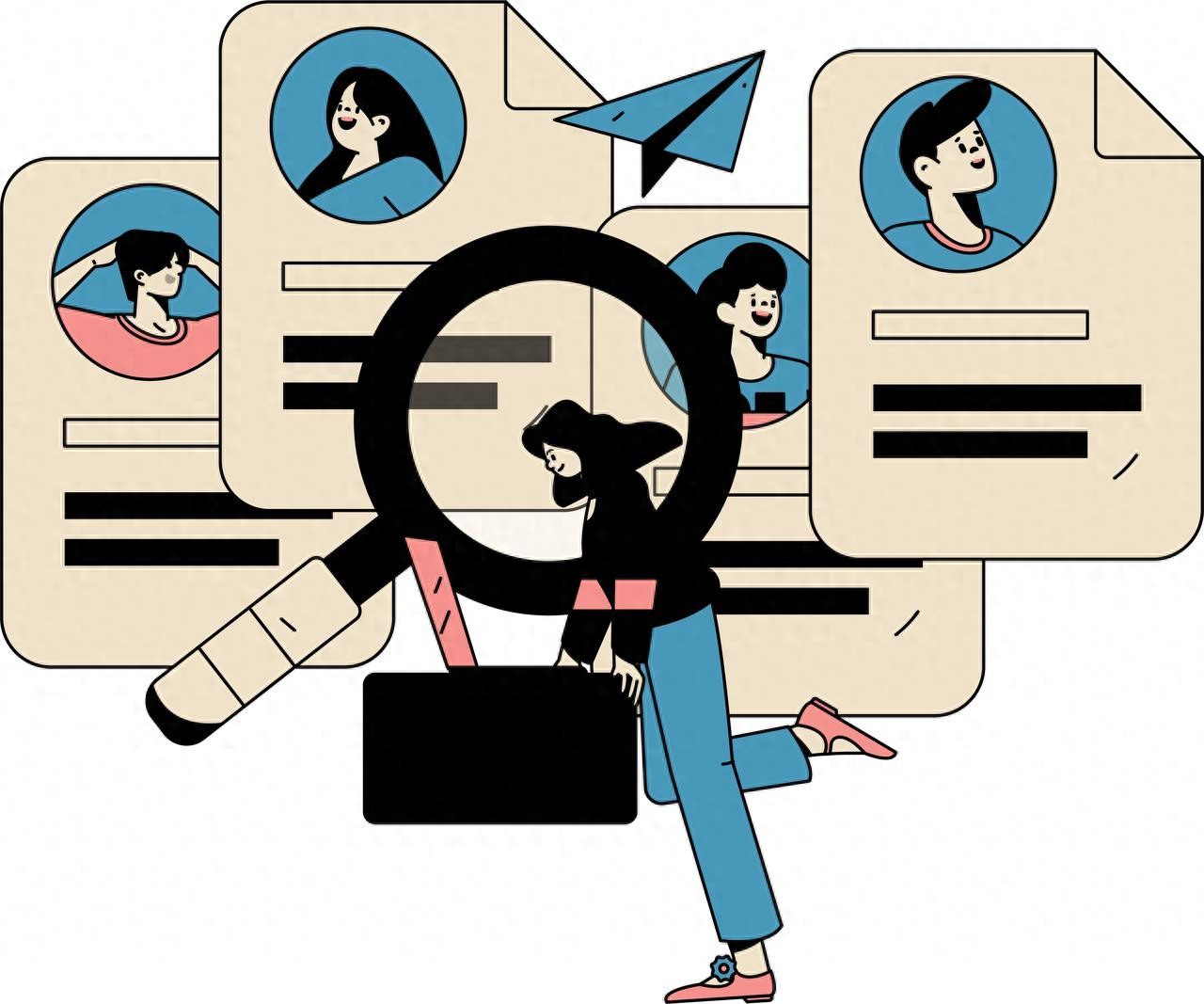
On the fifth day, a friend in HR complained about being overwhelmed by resumes. I had a lightbulb moment and used AiPy to create a “resume filter.” The requirement was: “Upload a folder containing dozens of Word resumes, automatically extract names, phone numbers, education, and work experience, generate an Excel sheet, and highlight candidates matching keywords.”
This requirement was slightly more complex, but AiPy handled it smoothly. It automatically called the python-docx and pandas libraries, writing the logic for file traversal, regex matching, and data cleaning. During testing, I encountered a coding error, and I copied the error message to AiPy. It quickly identified it as a Windows path escape issue and added an r prefix, resolving it instantly. My friend received the tool and was able to complete what would have taken half a day over a cup of coffee. She insisted on treating me, but I said no; just a cup of milk tea would suffice (laughs).

Day 7: Reflection and Insights—“Technology Has Arrived”
At the end of the week, I looked back at the three small tools I created. They may not be perfect, lacking the polished UI of large company products or complex underlying architectures, but they are real, usable, and solve specific problems. More importantly, I completely shattered the mental barriers of “I don’t understand technology” and “I can’t learn programming.”
Vibe Coding isn’t about replacing programmers; it’s about enabling everyone to become developers of their own lives. It hands back the power of technology from a few elites to every ordinary person with ideas, needs, and a willingness to try.
AiPy is the key to unlocking this new world. It understands the Chinese context and the pain points of novices, packaging “generation, debugging, and execution” into a seamless experience. You don’t need to grasp the underlying logic; just stay curious and expressive, leaving the rest to AI. And if you’re worried about running out of tokens, no problem—use the invitation code c8W3 to get two million tokens.
Pitfall Guide: Three Common Mistakes Newbies Make and How to Avoid Them
Of course, Vibe Coding isn’t magic, and beginners inevitably stumble. I’ve summarized three common issues to help you avoid pitfalls:
-
Vague requirements that the AI can’t interpret. For example, just saying, “Create a website” leaves the AI confused. The correct approach: clearly state “what to create, for whom, what it should look like, and what features it should have.” The more specific you are, the better the AI performs.
-
Fear of making mistakes. Remember, errors are the best teachers for AI. Directly copy the error code to the AI, and it will tell you what’s wrong and how to fix it. Don’t be afraid; experiment boldly.
-
Pursuing perfection and hesitating to publish. The first version will likely be rough, but as long as it works, that’s enough. Launch it first, then iterate. The essence of Vibe Coding is “small steps, fast iterations, and quick testing.”
Conclusion: The Future is Here, Will You Wait?
The wave of technology never waits for anyone. Ten years ago, not knowing how to use a smartphone might have just meant missing out on a fun tool; today, not understanding AI programming could mean missing a wave of efficiency and side hustle opportunities.
Stop saying, “I can’t code.” In the era of Vibe Coding, your ideas are the most valuable currency. Open AiPy, input your first vague thought, and watch it gradually become reality. The sense of achievement from “I actually did it” can be addictive.
I’m a liberal arts student, and I did it. The next one is you.
Comments
Discussion is powered by Giscus (GitHub Discussions). Add
repo,repoID,category, andcategoryIDunder[params.comments.giscus]inhugo.tomlusing the values from the Giscus setup tool.